Free · No sign-up
Gemini Logo Remover
Take the corner logo off Gemini, Veo and Flow video exports in your browser – no upload, no sign-up, no new watermark.
- No upload
- No sign-up
- No new watermark
- MP4, MOV, WebM, MKV, AVI
Project sample · Free processing
A Gemini sparkle, before and after
This test clip from an MIT-licensed open-source project shows a Gemini four-point logo over a mountain road. The result uses this site’s free delogo settings. It is not an official Google example.
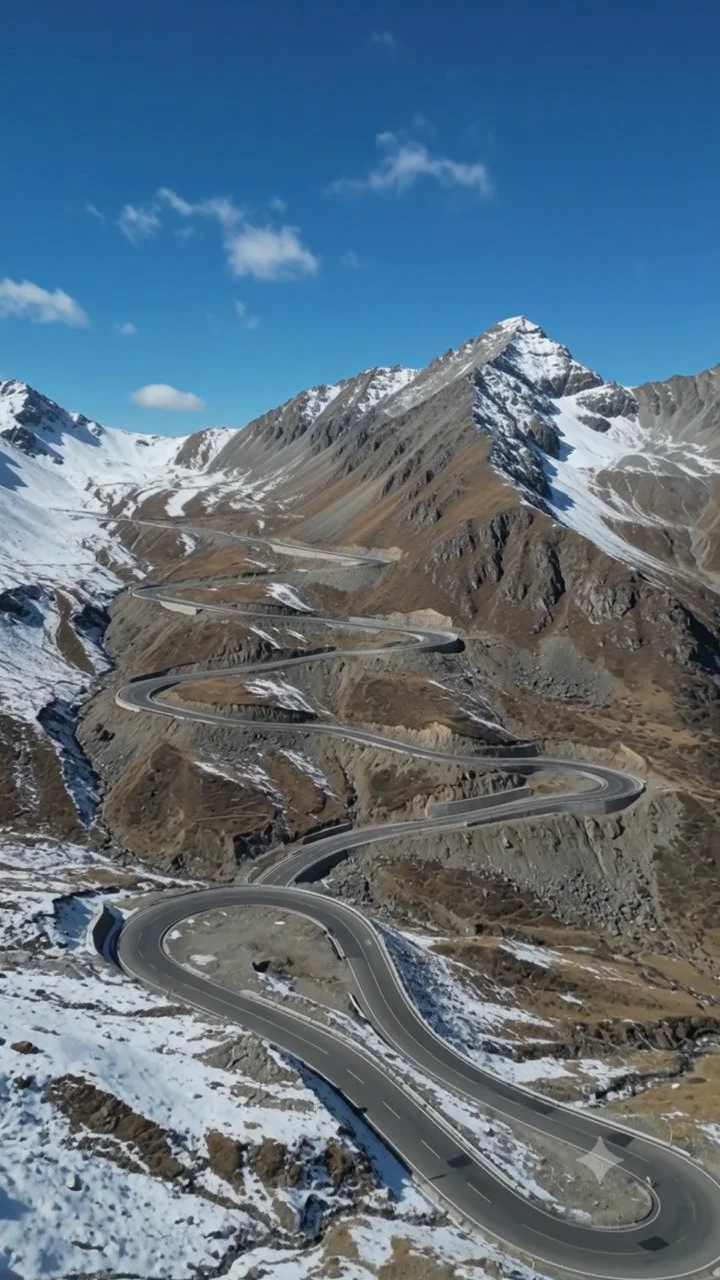
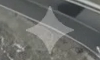
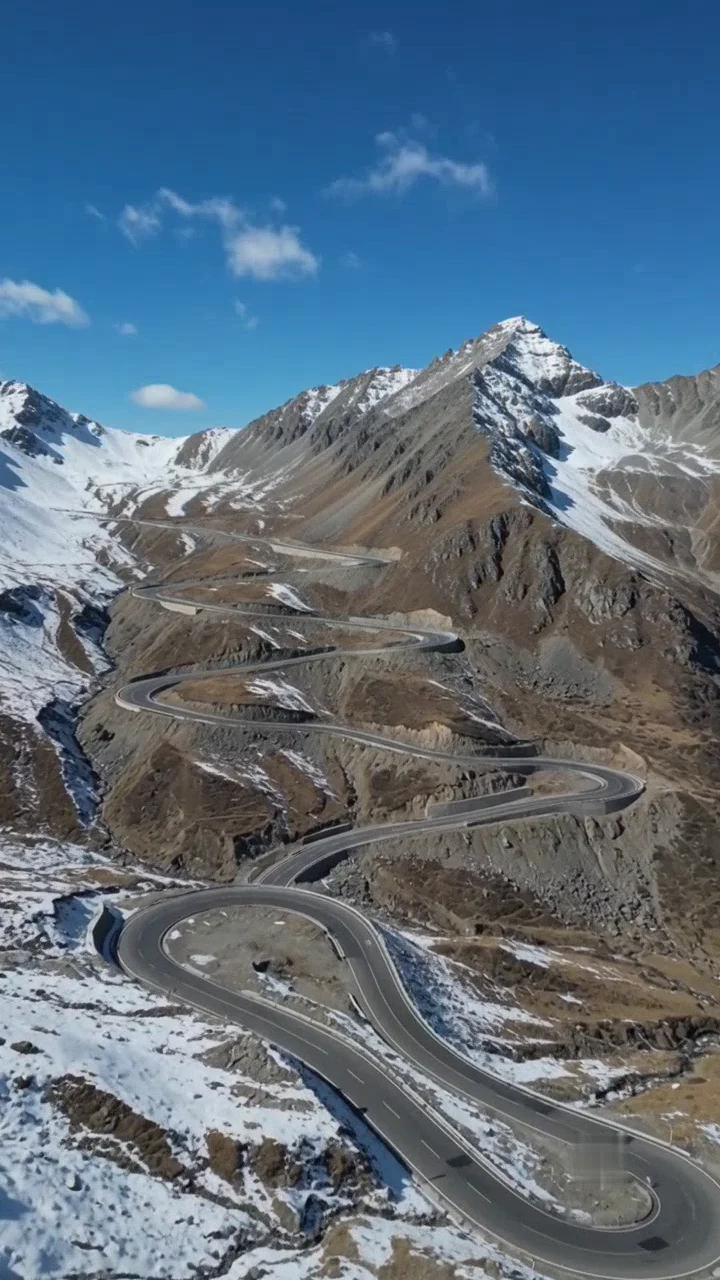
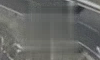
Both frames are at 2.000 s. The magnified crops show the same 100 × 60 pixel corner. The full video frame has not been cropped.
Videos load only after you click. Nothing is uploaded and no paid task starts.
- Video
- 8 s · 720 × 1280 · 24 fps
- Method
- FFmpeg delogo · H.264 CRF 23
- Processed
Native FFmpeg ran this site’s free filter and encoding settings. This is not an AI result, the upstream reverse-alpha result, or a browser speed test. Filling can smooth details; the full video is re-encoded. Invisible provenance was not verified.
Source details: The project provides this test video; its generation model and prompt are not documented.
delogo=x=572:y=1132:w=56:h=56
4,145,880 B → 7,327,589 B
Media facts and hashes · Attribution and modifications · MIT
Videos exported from Gemini, Google Flow and the Veo API carry a small Gemini sparkle logo in a fixed corner. Alongside it Google embeds SynthID, an invisible mark that this tool does not touch. What you get here is the visible logo gone.
A static corner logo is the easiest case for area fill. The background around the logo barely changes from frame to frame, so the fill has plenty of clean pixels to work with. Draw one box, click Remove, download.
The work is done by FFmpeg compiled to WebAssembly, running inside your browser. No file is sent to a server, no account is needed, and the result is a standard H.264 MP4 with nothing added.
One box, whole clip
The Gemini logo does not move. Leave the time range empty so the box applies to every frame.
Cover the soft edge
The logo has a faint glow around it. Make the box a few pixels larger than the sparkle so the glow is filled too.
Flow exports with extra overlays
Flow can add a second text overlay on some exports. Add a second box for it; each box has its own method and time range.
All tools
A place for every edit.
Remove a logo, refine your footage, change a format or take the sound with you. Find the tool for your next step.
Watermark removal
Start with the part you want to remove.
- Video watermark remover
- TikTok watermark remover
- Sora watermark remover
- Veo watermark remover
- Gemini watermark remover
- Gemini image watermark remover
- Gemini image logo remover
- Nano Banana watermark remover
- Gemini video watermark remover
- Gemini logo remover
- Gemini video logo remover
- Veo logo remover
- Image watermark remover
- Remove logo from video
- Remove text from video
Edit video
Shape the frame, timing and movement.
Convert
Get the format your next step needs.
Audio
Keep the sound, without the video.

Start with the part you want to remove.
- Video watermark remover
- TikTok watermark remover
- Sora watermark remover
- Veo watermark remover
- Gemini watermark remover
- Gemini image watermark remover
- Gemini image logo remover
- Nano Banana watermark remover
- Gemini video watermark remover
- Gemini logo remover
- Gemini video logo remover
- Veo logo remover
- Image watermark remover
- Remove logo from video
- Remove text from video
Frequently asked questions
Yes. They all place the same static logo in a corner, which is handled the same way.
No. SynthID is invisible and spread across the whole frame. Only the visible logo is removed.
MP4, MOV, WebM, MKV and AVI go in. A clean H.264 MP4 comes out. Files under about 300 MB and 1080p are comfortable in a browser.
Yes. There is no sign-up, no credit system and no watermark added to your video.