Free · No sign-up
Video to GIF
Turn a short clip into a crisp, looping GIF without sending it anywhere – no upload, no sign-up, no watermark added.
- No upload
- No sign-up
- No new watermark
- MP4, MOV, WebM, MKV, AVI
A real input to try
Start with an openly licensed sample.
An 8-second blue-mug MP4, shared by the remove-ai-watermarks project under Apache-2.0. The source maintainer documents Google Flow / Veo 3.1 Fast. Use the unchanged original to try this editing tool.
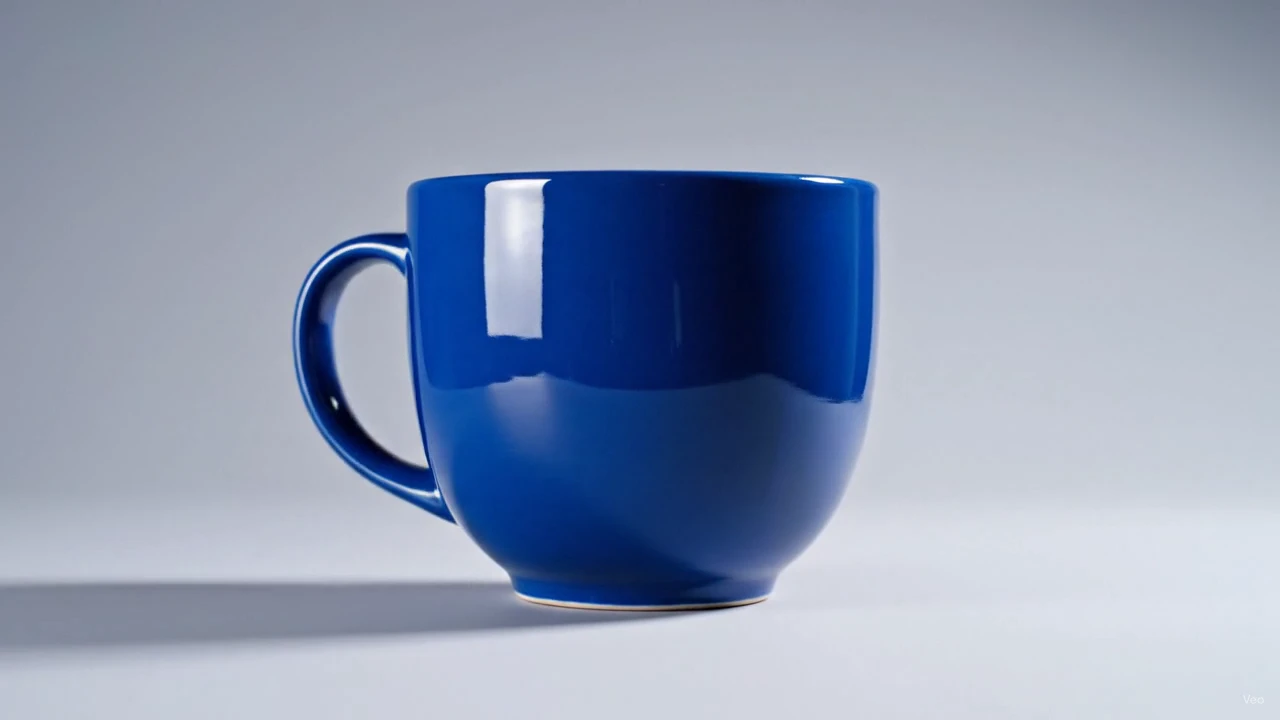
This card shows an input, not a processed result. Loading it does not upload it or start a paid task.
- Source
- wiltodelta · Apache-2.0
- Input
- 1280 × 720 · 0.90 MiB
GIFs play everywhere a video will not: chat apps, forums, README files and email. This tool turns a few seconds of MP4, MOV or WebM into a looping GIF.
Pick a frame rate between 5 and 20 fps and a width preset. The tool runs a two-pass conversion: it first builds a colour palette from your clip, then maps every frame to it. That is what keeps gradients smooth and avoids the speckled look of quick converters.
Everything runs in your browser with FFmpeg WebAssembly. The file never leaves your device, and the GIF has nothing added.
Keep it under 10 seconds
GIF is an inefficient format. A 10-second, 480-pixel-wide GIF at 12 fps is already several megabytes. Trim to the moment that matters.
Frame rate and width drive the size
12 fps looks smooth for most clips. Drop to 8 or 10 fps and 320 px width for chat apps; use 15–20 fps and 640 px only when quality matters more than size.
Screen recordings look best
Flat UI colours fit the 256-colour palette well. Footage with lots of gradients and noise will show some banding; a smaller width hides it.
All tools
A place for every edit.
Remove a logo, refine your footage, change a format or take the sound with you. Find the tool for your next step.
Watermark removal
Start with the part you want to remove.
- Video watermark remover
- TikTok watermark remover
- Sora watermark remover
- Veo watermark remover
- Gemini watermark remover
- Gemini image watermark remover
- Gemini image logo remover
- Nano Banana watermark remover
- Gemini video watermark remover
- Gemini logo remover
- Gemini video logo remover
- Veo logo remover
- Image watermark remover
- Remove logo from video
- Remove text from video
Edit video
Shape the frame, timing and movement.
Convert
Get the format your next step needs.
Audio
Keep the sound, without the video.
Get the format your next step needs.
Frequently asked questions
GIF stores every frame as an image with no real compression. Reduce the length, the frame rate or the width to shrink it.
No. GIF is a silent format. Use the video converter if you need sound.
MP4, MOV, WebM, MKV and AVI. Output is a GIF built with a palette pass for clean colours.
Yes. No sign-up, no watermark, and the video never leaves your device.